

Welcome to TurboStack
Here’s a quick setup of the template. Do the following steps to get your app up and running.Make it yours
- First of all, this template use
pnpmas a package manager. Install it using the following command:
- Rename
.env.exampleto.env.localfromapps/web
- In your terminal, run the following command:
- Open
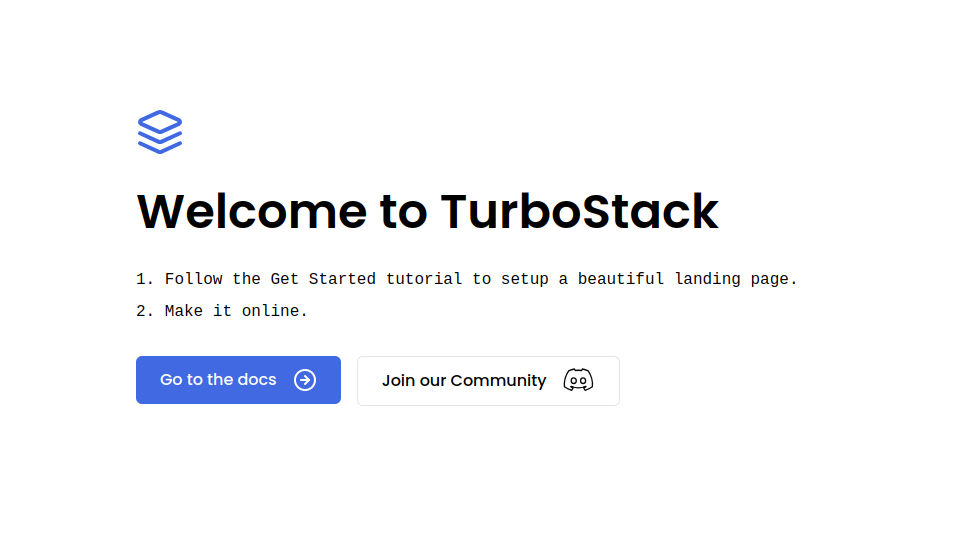
http://localhost:3000to see your site. It’ll open a page like this
Project Structure
This boilerplate uses Turborepo to manage a Monorepo structure that have two main folders: /apps → This is where you will put your applications that will be online later./packages → This is where you will put all the shared packages between your applications.
Available Applications
/apps/docs → A base documentation application, like this one, based on Mintlify./apps/web → Your base Nextjs application.
Available Packages
/packages/emails → A list of react.email templates to use it in your applications./packages/eslint-config → A base ESLint config file to share between your applications.
/packages/tailwind-config → A base TailwindCSS config file to share between your applications.
/packages/typescript-config → A base
tsconfig.json file to share between your applications. /packages/ui → A list of shadcn components to use in your applications.
/packages/utils → Shared
constants and functions to use in your applications.
With all things done, you can now go ahead and do one of the following tutorials:
Ship in five minutes
Set up your landing page and make it online.
Setup your environment
Configure your
app subdomain for development.